Announcement Signatures
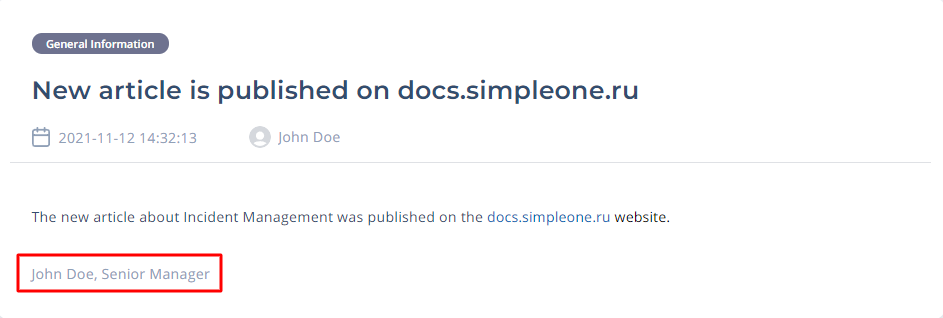
The announcement signature is a customizable block containing text and/or media. In this block, you can place a signature of your announcement and bind it to a new announcement you create in the same language. Signatures are shown under the main body of the announcement on the portal and in emails.
Create signatures in different languages to match your announcement translations.
Create an announcement signature
To create an announcement signature, complete the steps below:
- Navigate to Service Announcements → Signatures.
- Click New and fill in the fields.
- Click Save or Save and exit to apply the changes.
Announcement signature form fields
| Field | Mandatory | Description |
|---|---|---|
| Name | N | Specify a name for the announcement signature. |
| Body (HTML) | Y | Type a signature message. Design the signature body using the built-in editor functionality, such as formatting, working with tables and media, lists, styles, and headings. |
Below you can see an example of an announcement with a signature set on the Portal: